

Picture a Monday morning at a busy daycare. Parents line up at the door. A teacher counts heads against a paper sign-in sheet. The director hunts for a missing immunization record while a text message about an unpaid invoice buzzes in her pocket.
Nothing here is a crisis. Yet every small task steals minutes from the one thing the center exists to do: care for children.
That is the problem childcare management software is built to solve. The right system turns attendance, billing, enrollment, parent updates, staff schedules, and compliance paperwork into one connected workflow. The wrong one adds a new layer of frustration.
What Is Childcare Management Software?
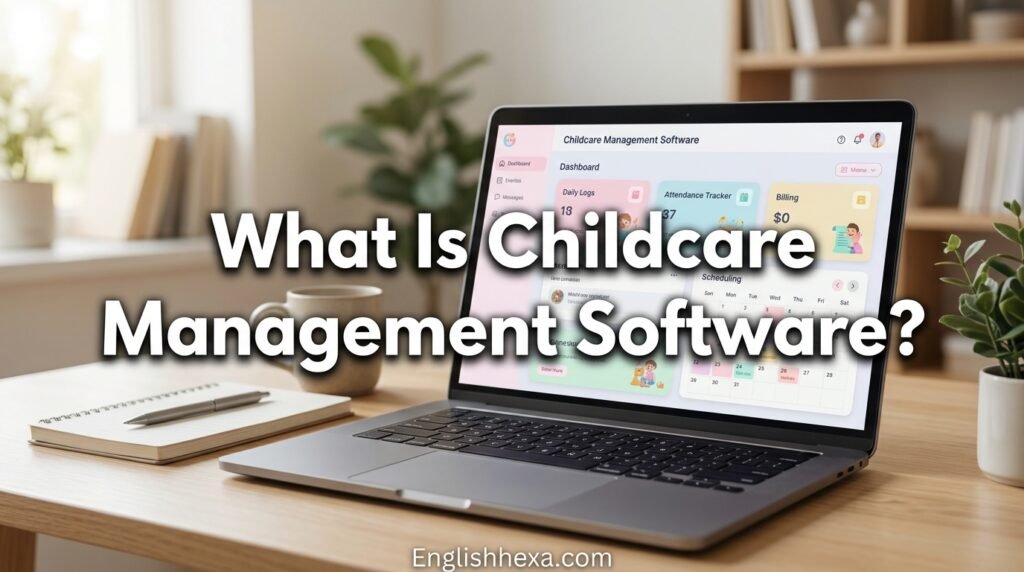
Childcare management software is a digital platform that helps daycares, preschools, and early learning programs run their daily operations. It combines tools for attendance, billing, communication, enrollment, staffing, and reporting in one place.
Most platforms offer a web dashboard for directors and mobile apps for teachers and parents. Some focus on administration and billing, while others emphasize classroom documentation and parent engagement.
Quick Answer
Childcare management software is a system that automates check-in and check-out, tuition billing, parent messaging, enrollment, staff scheduling, and licensing records. Its goal is to save administrative time, reduce errors, and give families clear, real-time updates.
Other Names You Will See
Vendors and reviewers use several labels for the same category. These include daycare management software, preschool management software, child care software, and early learning management systems.
Who Uses Childcare Management Software?
The category serves many types of programs. Needs differ, so the best choice depends on who you are.
| Program Type | Typical Priorities |
|---|---|
| Home-based family child care | Low cost, simple billing, easy parent updates |
| Single-site daycare center | Attendance, billing, ratios, licensing records |
| Multi-site childcare operators | Central reporting, consistent billing, occupancy tracking |
| Preschools and early learning programs | Curriculum, assessments, parent conferences |
| Montessori and specialty schools | Observation tools and progress documentation |
| After-school programs | Flexible schedules, pick-up authorization, drop-in billing |
| Summer camps | Registration, session scheduling, payments |
Directors and Owners
Directors use the software to manage enrollment, finances, staffing, and compliance. They want accurate reports and fewer surprises.
Teachers and Caregivers
Teachers use mobile apps to check children in and out, log meals, naps, and diaper changes, and share photos and notes. They want tools that are fast and easy during a busy day.
Parents and Guardians
Parents use the app to see updates, message staff, pay invoices, and sign forms. They want clear information without chasing paperwork.
Why Childcare Centers Switch From Paper and Spreadsheets
Many programs start with paper logs, a spreadsheet, and a payment app. That works until the center grows or the paperwork starts to take over.
Common Pain Points
- Lost or illegible sign-in sheets
- Late payments and manual invoice follow-ups
- Missing immunization or emergency contact forms
- Parent questions that interrupt classroom time
- Difficulty proving ratios during inspections
- Staff schedules that are hard to track
- Waitlists that live in someone’s notebook
What Software Changes
Digital records are searchable, timestamped, and easy to back up. Automated reminders and payments reduce manual follow-up, and parents get updates without extra phone calls.
What Software Does Not Change
Software cannot replace good staffing, supervision, or judgment. It supports safe, well-run care but does not guarantee compliance by itself.
Core Features of Childcare Management Software
Most platforms share a set of core features. The depth and quality of each one is where products differ.
| Feature Area | What It Does |
|---|---|
| Attendance and check-in | Records arrivals and departures by child and room |
| Billing and payments | Creates invoices, collects tuition, tracks balances |
| Enrollment and waitlist | Captures applications and manages openings |
| Parent communication | Messaging, photos, daily reports, announcements |
| Staff management | Scheduling, time tracking, certification tracking |
| Compliance and records | Immunizations, incident reports, licensing documents |
| Curriculum and development | Lesson plans, observations, assessments |
| Meal and food program tracking | Menus, meal counts, food program reports |
| Subsidy management | Tracks and bills government subsidy programs |
| Reports and analytics | Attendance, revenue, enrollment, and staffing reports |
| Integrations | Accounting, payroll, and payment tools |
Attendance, Check-In, and Ratio Tracking
Attendance is the daily heartbeat of a childcare center. It affects safety, billing, and compliance all at once.
How Digital Check-In Works
Parents or staff check children in and out using an app, a tablet kiosk, a QR code, or a PIN. The system records the time and who dropped off or picked up the child.
Authorized Pickup Controls
Good platforms let you maintain a list of approved pickup people for each child. Some require a PIN or photo verification for added security.
Staff-to-Child Ratios
Every state sets minimum staff-to-child ratios by age group, and rules vary. Software can show how many children and staff are in each room, which helps directors spot ratio problems early.
Absences and Late Pickup
Look for tools that record absences and late pickup times and can apply late fees automatically. This reduces disputes because the data is time-stamped.
Questions to Ask a Vendor
- Does the system show live headcounts by room?
- Can it alert staff when ratios are close to the limit?
- How does it handle children who move between rooms or programs?
- Does it work if the internet connection drops?
Billing, Payments, and Tuition Management
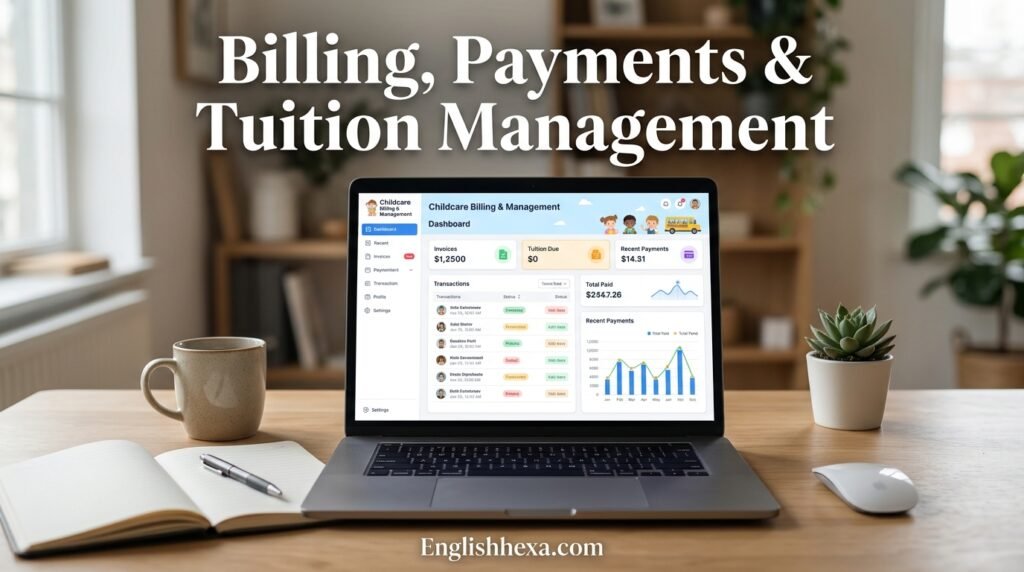
For many directors, billing is the main reason to buy software. It is also where mistakes cost real money.
Automated Invoicing
The system calculates tuition based on schedules, rates, and enrollment. It then sends invoices on a set schedule.
Online Payments
Most platforms accept credit cards and bank transfers, often with autopay. Ask about processing fees, who pays them, and how quickly funds arrive.
Discounts, Fees, and Credits
Programs often need sibling discounts, registration fees, late fees, deposits, and credits for closures. A good system handles these without manual spreadsheets.
Handling Split Billing
Some families share costs between parents, employers, or agencies. Check whether the system supports multiple payers for one child.
Tax Statements
Parents often need annual statements of what they paid for care, for example to claim the child and dependent care credit or use a dependent care account. The IRS Form W-10 is the form families commonly request from providers to document the provider’s taxpayer identification number. Your software can help produce payment summaries, but confirm tax questions with a tax professional.
Accounting Integrations
Many centers use accounting tools such as QuickBooks. Look for integrations that sync invoices and payments to reduce double entry.
Collections and Reminders
Automatic reminders for past-due balances save time and keep conversations professional. Ask how the system tracks payment plans and write-offs.
Subsidy Management and Food Program Tracking
Many US programs serve families who receive government help. Software that handles this well can save a great deal of time.
Child Care Subsidies
Subsidies often come from the Child Care and Development Fund, which supports state and local programs. Each state manages its own rules, forms, and payment schedules.
Why Subsidy Billing Is Complex
Providers may need to bill the family and the agency separately, track authorized hours, and reconcile attendance. Not every platform supports this equally, so ask for a demo using your state’s rules.
The Child and Adult Care Food Program
The Child and Adult Care Food Program, run by the US Department of Agriculture, reimburses eligible providers for meals and snacks. Programs must keep records such as meal counts and menus.
What to Look For
Look for menu planning, meal count tracking by child, and reports that match the requirements of your sponsor or state agency. Ask existing customers in your state how well the process works.
Enrollment, Waitlists, and Family Onboarding
A smooth enrollment process makes a strong first impression. It also fills your classrooms faster.
Online Applications and Forms
Parents can submit applications and sign forms digitally. This reduces paperwork and speeds up onboarding.
Waitlist Management
A digital waitlist shows who is waiting, for which age group, and for what start date. It helps you forecast openings and contact families at the right time.
Tour Scheduling and Lead Tracking
Some platforms include tools to capture inquiries and schedule tours. This helps you follow up quickly and avoid losing interested families.
Document Collection
Collect immunization records, emergency contacts, health forms, and consent forms in one place. Set reminders for expiring documents.
Re-Enrollment and Room Transitions
Look for tools that move children between classrooms as they age. It saves repetitive data entry each year.
Parent Communication and Engagement

Strong communication builds trust. Parents want to know their child is safe, cared for, and happy.
Daily Reports
Teachers log meals, naps, diaper changes, activities, and mood. Parents see the report on their phones.
Photos and Videos
Sharing moments from the day is one of the most loved features. Check privacy controls so images are visible only to the right families.
Messaging and Announcements
Secure messaging reduces the need for personal phone numbers. Announcements and reminders help with closures, events, and policy updates.
Parent Conferences and Feedback
Some systems schedule conferences and collect surveys. These tools support a culture of partnership.
Multilingual Support
If your community speaks multiple languages, look for translation tools or multilingual templates. Clear communication matters for every family.
Staff Scheduling and Management
Staff are the heart of any childcare program. Good tools make their jobs easier and help you meet requirements.
Scheduling and Time Tracking
Build schedules around classroom needs and ratios. Time clocks record hours for payroll.
Certifications and Training
Childcare staff need current certifications, such as CPR and first aid, and ongoing training hours. The software can remind you before they expire.
Background Check Tracking
Programs must keep records of required background checks. Keep a clear log of dates and results according to your state rules.
Communication With Staff
Some platforms include team messaging and shift swaps. This reduces confusion and last-minute gaps.
Health, Safety, and Compliance Records
Safety documentation protects children and protects your program. Digital records make it easier to find the right information fast.
Incident and Accident Reports
Teachers can log injuries, illnesses, and behavior incidents with time stamps. Parents can review and sign reports digitally.
Medication and Allergy Tracking
Record medication permissions, doses, and administration times. Keep allergy information visible to staff while protecting privacy.
Immunization and Health Records
Track vaccination records and health forms for every child. Alerts help you follow up before inspections.
Emergency Contacts and Plans
Store emergency contacts, pickup authorizations, and emergency procedures. Staff should be able to reach this information quickly, even on a mobile device.
Licensing and Inspection Readiness
Choose software that can produce records and reports your licensing agency may request. Ask whether the vendor supports your state’s requirements.
Important Reminder
Software can organize records, but your program is responsible for meeting state licensing rules. Always confirm requirements with your licensing agency.
Curriculum, Learning, and Child Development Tools
Many programs want to document learning, not only care. Curriculum tools help teachers plan and share progress.
Lesson Planning
Teachers can plan activities and link them to learning goals. Some platforms provide ready-made templates.
Observations and Assessments
Staff record notes, photos, and milestones. These can support developmental assessments and parent conferences.
Portfolios and Progress Reports
Digital portfolios let parents see growth over time. Look for easy exporting if families move to another program.
Alignment With Standards
Some programs align documentation with state early learning standards or quality rating systems. Ask whether the platform supports the frameworks you use.
Reports and Analytics
Good reports turn raw data into decisions. They help you spot trends before problems grow.
| Report | What It Helps You Decide |
|---|---|
| Enrollment and occupancy | Whether to open classrooms or adjust marketing |
| Attendance patterns | Staffing needs and billing accuracy |
| Revenue and receivables | Cash flow and collection priorities |
| Waitlist and conversion | How quickly you fill openings |
| Staff hours and ratios | Overtime and coverage gaps |
| Subsidy and food program summaries | Reimbursement accuracy |
Custom and Exportable Reports
Look for reports you can filter by date, room, or family and export to spreadsheets. Directors often need to share data with owners, boards, or agencies.
Popular Childcare Management Software Platforms
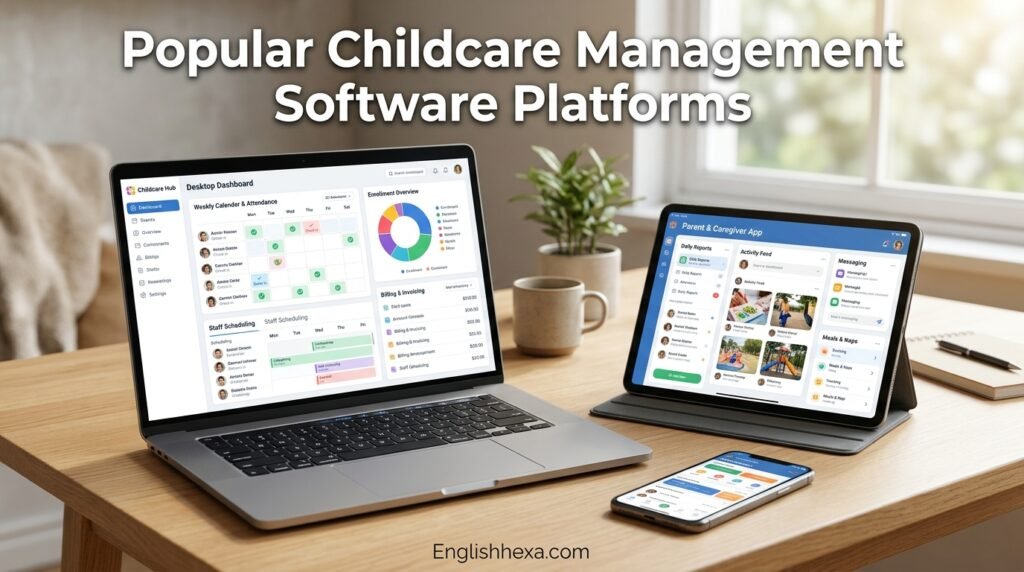
Several platforms are widely used in the United States. This overview describes how they are commonly positioned by vendors and reviewers.
| Platform | Commonly Described Strength |
|---|---|
| Brightwheel | Parent communication and an all-in-one approach |
| Procare | Deep billing and support for larger or multi-site organizations |
| Lillio (formerly HiMama) | Child development documentation and curriculum tools |
| Kangarootime | Billing, subsidy management, and food program tracking |
| Famly | Multi-site management and a polished interface, widely used internationally |
| Playground | Daily reporting and parent engagement |
| Jackrabbit Care | Flexible tools for growing centers |
How to Use This List
This table is a starting point, not a ranking or endorsement. Features, plans, and pricing change often, so confirm details directly with each vendor and ask for a live demo.
Why Reviews Disagree
Review sites and vendor blogs often reach different conclusions because they weigh features differently. Some are also written by competing companies. Rely on your own requirements and trial experience.
How Much Does Childcare Management Software Cost?
Pricing varies widely, and published numbers often conflict. Many vendors use custom quotes, while some publish plans.
Common Pricing Models
| Model | How It Works | Good For |
|---|---|---|
| Per child | Price scales with enrollment | Small programs with changing numbers |
| Per classroom | Price depends on number of rooms | Centers with stable room structure |
| Per site | Flat price for each location | Programs that want predictable costs |
| Tiered plans | Features unlock at higher tiers | Centers that need only basics at first |
| Quote-based | Custom pricing after a demo | Larger or multi-site operations |
Costs Beyond the Subscription
- Setup or onboarding fees
- Data migration help
- Payment processing fees
- Add-on modules, such as curriculum, accounting, or website tools
- Extra charges for additional users or locations
- Training and premium support
Contract Terms to Check
Ask about contract length, renewal terms, cancellation rules, and price increases. A low monthly price may hide long commitments.
How to Compare Fairly
Ask each vendor for a written quote based on your exact enrollment, number of classrooms, and needed modules. Include payment processing fees in your calculation.
Understanding Enterprise Pricing Pages
Software pricing pages can be confusing. This guide to reading enterprise plan pricing shows how to look past headline numbers.
Security, Privacy, and Data Ownership
Childcare software stores sensitive information about children and families. Security is not optional.
What Data Is Stored
Systems may hold names, birth dates, photos, medical details, emergency contacts, and payment information. This data deserves strong protection.
Security Features to Look For
- Encryption of data in transit and at rest
- Role-based access, so staff see only what they need
- Two-factor authentication for administrators
- Activity logs showing who accessed or changed records
- Regular backups and recovery plans
- Independent security reviews or certifications, where available
Payment Security
Payments should run through a reputable processor that follows card industry security standards. Never store card numbers in spreadsheets or messages.
Privacy and Photos
Make sure you can control who sees photos and videos. Get written parent consent for photo sharing and communicate your policy clearly.
Legal Considerations
Childcare providers are usually not covered by health privacy rules the way medical providers are, but state laws and licensing rules may still apply. Treat all child health information as confidential and ask your attorney about requirements in your state.
Data Ownership and Export
Ask who owns the data and how you can export it if you leave. You should be able to download records in a usable format.
Hardware and Setup Needs
Most childcare software runs on devices you may already own. A little planning avoids day-one frustration.
Check-In Devices
A tablet at the front desk or classroom works for many programs. Choose a sturdy case and a stand, and keep devices charged.
Office Computers
Directors need reliable computers for billing and reports. For help choosing, see this laptop buyer guide.
Internet and Backup Plans
A strong Wi-Fi network is essential, especially in classrooms. Ask whether the software works offline and what to do during an outage.
Printers and Labels
Some centers print name tags, pickup cards, or reports. Check whether the platform supports the printers you use.
Choosing Software by Program Type
The best platform depends on your size, budget, and priorities. Use these profiles as a guide.
Home-Based Providers
Look for simple setup, affordable pricing, easy invoicing, and an app parents can use quickly. You may not need advanced multi-site tools.
Single-Site Centers
Prioritize attendance, billing, ratio tracking, and parent communication. Ask about subsidy handling if you serve subsidized families.
Multi-Site Operators
You need centralized reporting, consistent billing rules, role-based access, and occupancy forecasting. Ask about implementation support across locations.
Curriculum-Focused Programs
Look for strong observation, assessment, and portfolio tools. Make sure documentation is easy for teachers to complete.
After-School and Camp Programs
Look for flexible scheduling, drop-in billing, session registration, and pickup authorization. Seasonal programs benefit from easy registration forms.
How to Choose the Right Platform: Step by Step
A structured process avoids impulse purchases. Follow these steps from start to finish.
Step 1: List Your Pain Points
Write down what slows you down today. Prioritize problems by how often they occur and how much they cost.
Step 2: Separate Must-Haves From Nice-to-Haves
Must-haves might include check-in, billing, and subsidy tracking. Nice-to-haves might include lesson planning or website tools.
Step 3: Set a Realistic Budget
Include subscription, setup, processing fees, and training. Think about total cost over at least a year.
Step 4: Build a Shortlist
Pick three platforms that match your needs and size. Read independent reviews and ask other directors what they use.
Step 5: Request Demos Using Your Own Scenarios
Ask each vendor to show real tasks, such as billing a family with two children and a subsidy, or recording an incident report.
Step 6: Involve Teachers and Parents
Let teachers test the mobile app and let a few parents try the parent experience. Their feedback predicts adoption.
Step 7: Check References
Ask for customers with similar size and state. Call them and ask about onboarding, support, and billing accuracy.
Step 8: Review the Contract
Read terms on cancellation, data export, price changes, and support. Ask questions in writing.
Vendor Demo Checklist
Use this checklist to compare platforms fairly. Score each item from one to five.
| Question | Why It Matters |
|---|---|
| Can the system bill families with multiple children and discounts? | Avoids manual billing |
| How does it handle subsidy billing in my state? | Prevents revenue delays |
| Can teachers complete daily reports in under a minute per child? | Predicts staff adoption |
| Does the parent app work well on both iPhone and Android? | Affects family satisfaction |
| What are the ratio and compliance alerts? | Supports safety |
| How are authorized pickups verified? | Protects children |
| What security measures are in place? | Protects sensitive data |
| What support is included and what are the hours? | Matters during busy periods |
| How do I export my data? | Prevents lock-in |
| What happens if I cancel? | Avoids surprises |
Implementation: Launching Your New System
A good launch plan matters as much as the software. Rushed rollouts frustrate teachers and parents.
Phase 1: Prepare
Clean your data before importing it. Fix misspellings, remove old records, and confirm family contact details.
Phase 2: Configure
Set up classrooms, rates, fees, schedules, and permissions. Test billing with sample families before going live.
Phase 3: Train Staff
Hold short, hands-on training sessions. Give teachers quick guides and practice time before children arrive.
Phase 4: Introduce Families
Send a clear message explaining what is changing, why, and how to use the app. Offer help sessions and printed instructions.
Phase 5: Go Live in Stages
Start with attendance and communication, then add billing. A gradual launch reduces errors.
Phase 6: Review and Improve
After a few weeks, ask staff and parents what is working. Adjust settings, fix confusing steps, and schedule follow-up training.
Build Systems Around the Software
Good software works best inside clear processes. For help organizing operations, read this guide to service business systems.
Measuring the Return on Investment
Software should save time, reduce errors, or increase revenue. Measure these effects so you can justify the cost.
| Area | How to Measure |
|---|---|
| Admin time | Compare hours spent on billing, attendance, and reports before and after |
| Late payments | Track average days to payment and number of past-due accounts |
| Billing errors | Count corrections and disputes each month |
| Parent communication | Track phone calls and in-person questions |
| Enrollment | Measure time to fill openings and waitlist conversion |
| Staff satisfaction | Survey teachers about workload and ease of use |
Do Not Forget Intangibles
Better communication, fewer mistakes, and calmer mornings improve your reputation. Those benefits are real even if hard to measure.
Common Mistakes When Buying Childcare Management Software
Many centers repeat the same errors. Avoiding them saves time and money.
Choosing Based on Price Alone
A cheap system that does not match your workflow can cost more in lost time. Judge total value.
Skipping Teacher Input
If teachers find the app slow or confusing, they will resist it. Include them from the start.
Ignoring Subsidy and Food Program Needs
If you serve subsidized families, test those workflows during the demo. Surprises after purchase are expensive.
Not Checking Data Export
Some systems make leaving difficult. Confirm export options before you sign.
Underestimating Training
Even great software needs a good launch. Plan time for training and support.
Buying Features You Will Not Use
Large feature lists can be tempting. Choose what you will actually use in the first year.
Red Flags When Talking to Vendors
Watch for warning signs during the sales process. They often predict problems later.
- Vague answers about security or data ownership
- Unwillingness to provide references
- Pressure to sign quickly
- Hidden fees revealed late
- Demos that avoid your real scenarios
- Poor responsiveness during the sales process
Trust Your Experience
If support is slow before you buy, it may be slower after. Notice how vendors respond to your questions.
Getting the Most From Your Software After Launch
Software works best when you keep improving how you use it. A few habits make a big difference.
Use Automation
Turn on autopay, reminders, and recurring invoices. Automation reduces repetitive work.
Review Reports Monthly
Check enrollment, revenue, and attendance each month. Small trends become big issues if ignored.
Keep Records Clean
Update contacts, remove outdated documents, and review permissions. Clean data prevents mistakes.
Keep Training Fresh
Train new staff and refresh veterans when features change. Short refreshers prevent bad habits.
Ask for Feedback
Invite parents and teachers to share suggestions. Their ideas often reveal easy improvements.
Marketing Your Childcare Program Alongside Your Software
Great operations help, but families need to find you first. Your software can support your marketing.
Make Your Website Easy to Find
Parents search online for local childcare. If you are weighing outside help, this overview of an SEO agency in the USA explains what such services typically include.
Show Your Program With Video
A short tour video can help families picture your center. This guide to creating a product demo video offers ideas you can adapt to a program tour.
Use Strong Photography
Clear, warm photos build trust. Learn more about getting found, trusted, and booked as a local service business, and always follow your photo consent rules.
Connect Inquiries to Enrollment
Use your software’s lead and waitlist tools so no inquiry slips through. Quick follow-up often decides who gets the enrollment.
Trends in Childcare Management Software
The category keeps evolving. These trends are worth watching, though no one can predict exactly where it will go.
AI-Assisted Tools
Some platforms are adding AI features, such as drafting daily reports or forecasting enrollment. Ask how these tools are tested and how they protect privacy.
Contactless and Faster Check-In
Mobile check-in, QR codes, and kiosks are becoming common. They reduce lines and paperwork at drop-off.
Integrated Payments
More platforms offer built-in payment processing. This can simplify collection but check fees and settlement times.
Better Compliance Support
Vendors are investing in ratio alerts, document tracking, and reports aligned with state requirements. Capabilities still vary, so verify for your state.
Parent Experience as a Competitive Edge
Families compare programs partly by how easy communication feels. A modern parent app can influence enrollment decisions.
Childcare Management Software Terms in Plain English
Vendor language can be confusing. This glossary explains common terms.
| Term | Plain Meaning |
|---|---|
| Ratio | The number of children per staff member required by regulations |
| Kiosk | A tablet or screen used for check-in |
| Autopay | Automatic recurring tuition payments |
| Subsidy | Government help paying for childcare |
| CACFP | Federal food program that reimburses eligible meals and snacks |
| Waitlist | A list of families waiting for an opening |
| Daily report | A summary of a child’s day shared with parents |
| Role-based access | Permissions that limit what each user can see |
| Integration | A connection between two software tools |
| Data export | Downloading your records from the system |
Trusted Sources for Further Reading
Reliable information helps you make informed decisions. These organizations publish guidance for childcare providers and families.
- Your state’s child care licensing agency, for ratio and record requirements
- Office of Child Care, U.S. Department of Health and Human Services, for subsidy and program information
- U.S. Department of Agriculture, for the Child and Adult Care Food Program
- Child Care Aware of America, for provider and family resources
- National Association for the Education of Young Children, for program quality standards
- Internal Revenue Service, for tax forms and guidance for providers and parents
Also Read
- Service Business Systems: How to Build the Operations Behind a Business That Runs Without You 2026
- Food Manufacturing ERP Software: The Complete Buyer’s Guide for US Producers 2026
- Product Demo Video: How to Create One That Turns Viewers Into Customers 2026
- Photography Business Visibility: How to Get Found, Trusted, and Booked in the US 2026
- SEO Agency in USA Glorvix: Complete Expert SEO Services Guide for 2026
- Test.com Pricing Enterprise Plans: Complete 2026 Review
- TheLaptopAdviser Buyer Guide for Best Laptop Picks
- Gramhir.Pro AI Image Generator Review 2026: Is It Worth It?
- GFXRobotection AI Software by GFXMaker: A Complete Guide to Features, Uses & How It Works
- Digital Infusing Aggr8Tech Guide and Key Insights
- Deshoptec.com Review 2026: Is Deshoptec.com Legit or a Scam?
- Basement Water Problems: Causes, Fixes, Costs and Prevention for Homeowners 2026
- Road Maintenance Accident Liability: Who Is Responsible When a Poorly Maintained Road Causes a Crash? 2026
- Geekzilla Tio Geek: Tech, Gaming, and Geek Culture Explained
- Brumeblog com Complete Guide and Trusted Insights
- Explore pixelspinx com for Expert Digital Insights
- pressvibepulse com Review: Is It Real or Just Hype?
- Inside the Aelftech com Team 2026: People Behind the Vision
- Jones MyGreenBucks Net Explained: Complete Guide, Features, and Legitimacy
- FintechZoom.io Stock Market Course Review: Is It Worth It?
- Ziimp .com Trading: A Complete, Honest, and In-Depth Guide for Traders
- MYB Meaning in Text: What It Really Stands For (Complete 2026 Guide)
- FT Meaning in Text: What It Means, How to Use It, and Real Examples 2026
- ICL Meaning Explained: The Ultimate Guide for 2026
Frequently Asked Questions (FAQs)
What is childcare management software?
It is a digital platform that helps daycares and early learning programs manage attendance, billing, enrollment, parent communication, staff scheduling, and compliance records in one place.
What does childcare management software do?
It automates daily tasks such as check-in and check-out, tuition invoicing, payment collection, daily reports, waitlist tracking, and document storage. It also provides reports for directors.
Who needs childcare management software?
Daycare centers, home-based providers, preschools, after-school programs, camps, and multi-site operators can all benefit. Programs with growing enrollment or complex billing often see the biggest gains.
What features should I look for?
Prioritize attendance and check-in, billing and payments, parent communication, enrollment and waitlists, staff scheduling, compliance records, and reporting. Add subsidy and food program tools if you need them.
How much does childcare management software cost?
Costs vary widely by model and features. Many vendors use custom quotes, while some publish per-child, per-classroom, or per-site pricing, so request written quotes for your program.
Is there free childcare management software?
Some vendors offer free trials or limited free plans, but full-featured systems usually require a paid subscription. Check what is included and any limits on children, staff, or features.
Which childcare software is best?
There is no single best option. The right choice depends on your size, budget, subsidy needs, and whether you prioritize billing, communication, or curriculum tools.
Can childcare software handle subsidy billing?
Many platforms support it, but depth varies. Ask for a demo using your state’s subsidy rules and talk to customers in your area.
Does childcare software track staff-to-child ratios?
Most show headcounts by room, and some offer alerts. Ratio rules are set by each state, and the software supports but does not replace staff supervision.
Can parents pay tuition through the app?
Yes, most platforms let parents pay by card or bank transfer and set up autopay. Ask about processing fees and who pays them.
Can childcare software help with food program records?
Some platforms include menu planning and meal count tracking for the Child and Adult Care Food Program. Confirm that reports meet your sponsor or state requirements.
Is childcare management software secure?
Reputable vendors use encryption, access controls, and backups. Ask about security practices, two-factor authentication, and how data is stored.
Who owns the data in childcare software?
Programs should own their data, but terms vary. Ask how you can export records and what happens to your data if you cancel.
How long does it take to set up?
Simple setups can take days, while full rollouts with data migration and training can take weeks. Allow time to clean data and train staff.
Will teachers find the software easy to use?
It depends on the product and training. Let teachers test the mobile app during demos and choose a tool that makes daily reports and check-in quick.
Do I need special hardware?
Most programs use tablets, smartphones, and office computers they already have. A reliable internet connection and sturdy tablet stands help a lot.
Can I use childcare software for a home daycare?
Yes. Many platforms serve home-based providers, and some are designed specifically for small programs with simple billing and parent updates.
How do I switch from another childcare system?
Ask the new vendor about data import, export your records from the old system, and plan a staged launch. Clean data before moving it.
Can childcare software help with enrollment and marketing?
Many platforms include waitlist, inquiry, and tour tools. They help you follow up faster, but you still need a strong online presence to attract families.
What are common mistakes when buying childcare software?
Common mistakes include choosing on price alone, skipping teacher feedback, ignoring subsidy and food program needs, not checking data export, and underestimating training.
Conclusion
Childcare management software is not just a digital filing cabinet. At its best, it gives directors time back, helps teachers focus on children, and keeps families informed and confident.
The right choice starts with your own needs: your size, your billing complexity, your compliance requirements, and the habits of your staff and parents. Compare platforms using real scenarios, ask hard questions about pricing, security, and support, and plan a careful rollout.
When the software fits the program, the paperwork fades into the background. What remains is what matters most: safe, well-run care and families who trust you with their children.

Dilawar Mughal is an SEO expert with 8 years of hands-on experience helping websites grow their organic traffic, rankings, and revenue. He specializes in content-driven SEO, local SEO, and Pinterest SEO, and builds practical, results-focused strategies for businesses and publishers.
