
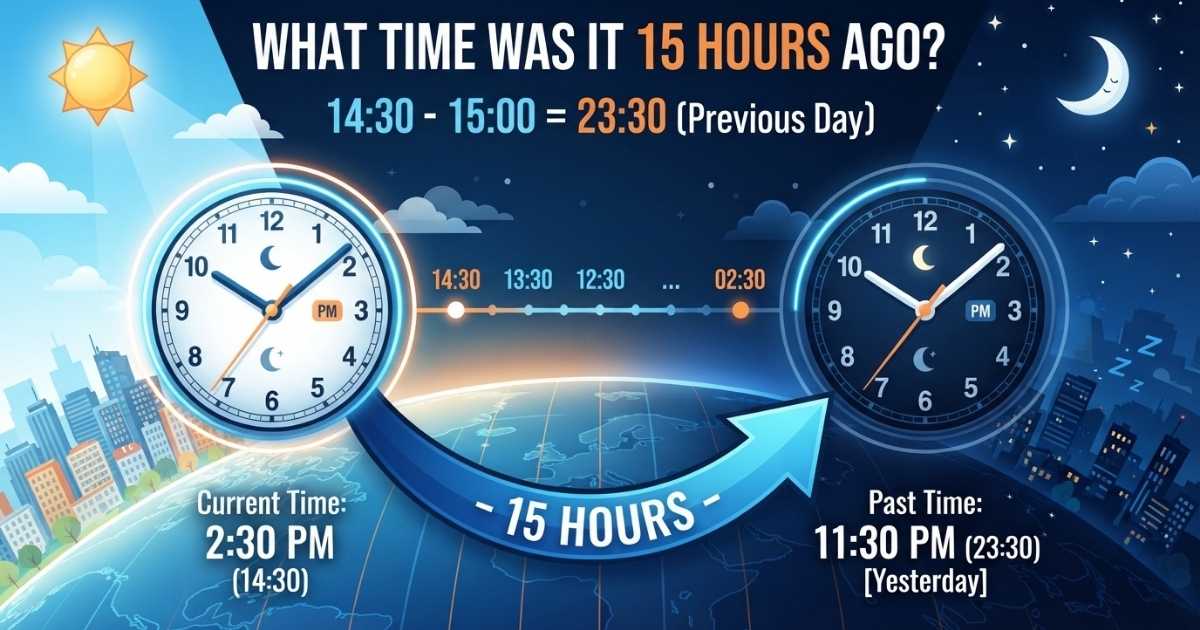

Most of us have paused mid-conversation and thought, “Wait, what time was that again?” Maybe a text came in 15 hours ago and you’re trying to work out when that actually was, or you’re checking a work log, a livestream timestamp, or a flight itinerary. Whatever the reason, figuring out a time 15 hours in the past is a simple subtraction problem but it gets tricky the moment it crosses midnight.
This guide breaks down exactly how to calculate 15 hours ago, shows quick-reference tables for every hour of the day, and explains how to avoid the most common mistakes people make with backward time math.
What Time Was It 15 Hours Ago? The Exact Answer
The answer always depends on your current time. There’s no single fixed answer you’re subtracting 15 hours from whatever the clock reads right now, and the result shifts depending on where you are in the day.
Here’s the short version: if it’s currently morning or early afternoon, 15 hours ago was sometime the previous evening. If it’s currently evening or late at night, 15 hours ago falls earlier the same day.
A few quick examples:
| Current Time | 15 Hours Ago |
| 12:00 AM | 9:00 AM (yesterday) |
| 6:00 AM | 3:00 PM (yesterday) |
| 12:00 PM | 9:00 PM (yesterday) |
| 6:00 PM | 3:00 AM (today) |
| 11:00 PM | 8:00 AM (today) |
Notice that 15 hours ago isn’t automatically “yesterday.” The dividing line sits at 3:00 PM before that, you land on the previous day; after that, you stay on the current calendar day.
Understanding the Time Calculation Process
Subtracting 15 hours is easiest when you break it into two smaller steps instead of counting backward one hour at a time.
Step 1: Subtract 12 hours. This flips AM to PM (or PM to AM) without changing the number on the clock.
Step 2: Subtract the remaining 3 hours.
For example, if it’s currently 4:00 PM:
- 4:00 PM − 12 hours = 4:00 AM
- 4:00 AM − 3 hours = 1:00 AM
- So 15 hours ago was 1:00 AM today
Another example, starting at 9:00 AM:
- 9:00 AM − 12 hours = 9:00 PM (previous day)
- 9:00 PM − 3 hours = 6:00 PM
- So 15 hours ago was 6:00 PM yesterday
Breaking the subtraction into 12 + 3 removes most of the guesswork and makes the math almost automatic once you practice it a few times.
Why People Ask “What Time Was It 15 Hours Ago?”
This isn’t just idle curiosity it comes up constantly in everyday situations. Common reasons people look this up include:
- Figuring out when a text, email, or notification actually arrived
- Reviewing a work shift or timesheet entry
- Backtracking through app or website activity logs
- Pinpointing when a social media post or video was published
- Estimating when a task, workout, or meeting actually started
- Comparing schedules with someone in a different time zone
- Reconstructing a timeline for personal or professional records
In short, anytime a timestamp shows “15 hours ago” instead of a clock time, this calculation turns a vague duration into something concrete.
Related Post: How Long Until 11 PM? Calculate the Time Remaining Today
What Time Was It 15 Hours Ago Across Different Parts of the Day
For a fast lookup, here’s a full breakdown covering every hour on the clock.
| Current Time | 15 Hours Earlier |
| 1:00 AM | 10:00 AM (yesterday) |
| 3:00 AM | 12:00 PM (yesterday) |
| 5:00 AM | 2:00 PM (yesterday) |
| 7:00 AM | 4:00 PM (yesterday) |
| 9:00 AM | 6:00 PM (yesterday) |
| 11:00 AM | 8:00 PM (yesterday) |
| 1:00 PM | 10:00 PM (yesterday) |
| 3:00 PM | 12:00 AM (today) |
| 5:00 PM | 2:00 AM (today) |
| 7:00 PM | 4:00 AM (today) |
| 9:00 PM | 6:00 AM (today) |
| 11:00 PM | 8:00 AM (today) |
Keep this table handy if you frequently need to check timestamps and don’t want to do mental math each time.
What Happens When You Cross Midnight?
Midnight is where most time-math errors happen. The clock resets to 12:00, but the calendar date changes too and it’s easy to update one without the other.
The rule to remember: if subtracting 15 hours pushes the time below 12:00 AM, the result lands on the previous calendar day.
For instance:
- 5:00 AM minus 15 hours = 2:00 PM the day before
- 2:00 PM minus 15 hours = 11:00 PM the day before
- 3:00 PM minus 15 hours = 12:00 AM, which stays on today’s date
That last example is the tipping point. Once your current time hits 3:00 PM or later, the 15-hours-ago result no longer crosses into yesterday.
Using an Hours Ago Calculator
An hours ago calculator automates all of this so you don’t have to track AM/PM shifts or date changes manually. Typically, the tool follows this sequence:
- Detects your current date and time (or accepts one you enter manually)
- Takes the number of hours you want to subtract in this case, 15
- Performs the subtraction
- Adjusts the calendar date automatically if midnight is crossed
- Displays the final time and date
Most calculators also let you plug in a custom starting time instead of using “right now,” which is useful if you’re calculating from a specific timestamp rather than the current moment.
Why an Hours Ago Calculator Is Helpful
Doing this math by hand works fine for a single quick check, but a calculator earns its keep when:
- You need to repeat the calculation often
- The starting time is inconvenient to subtract mentally (like 4:37 AM)
- You want to avoid AM/PM mix-ups
- The calculation involves minutes and seconds, not just whole hours
- You’re comparing multiple past events at once
For anyone tracking logs, schedules, or timestamps regularly, a calculator removes the risk of a small arithmetic slip turning into a bigger scheduling mistake.
The Role of Time Difference in Daily Life
Time-difference calculations quietly support a lot of routine activity. A manager checking when a shift started, a student calculating how long they’ve been studying, or a support team reviewing when a ticket was submitted are all doing some version of this same subtraction.
It becomes especially important when the situation involves:
- A date change overnight
- AM/PM conversion
- Multiple time zones
- Precise minutes or seconds, not just the hour
Getting comfortable with backward time math makes all of these day-to-day tasks faster and less error-prone.
What Time Was It 15 Hours Ago in Different Time Zones?
“15 hours ago” is anchored to a specific moment in time, but the clock display for that moment isn’t the same everywhere. Two people can be talking about the exact same instant and see two completely different local times.
When comparing across regions, factor in:
- The time zone each person is currently in
- Whether the date differs between locations
- Daylight saving time adjustments, where applicable
- Whether you’re working in local time or UTC
Time-zone-aware calculators can show the equivalent result in several regions at once, which is especially useful for remote teams or international scheduling.
Manual Time Subtraction Made Easy
If you’d rather skip a calculator, the 12-then-3 method described earlier works well for 12-hour clocks. There’s also a 24-hour clock shortcut that some people find even more reliable.
Convert your current time to 24-hour format, then subtract 15 directly:
- 7:00 PM becomes 19:00
- 19:00 − 15:00 = 04:00
- So 15 hours ago was 4:00 AM
The 24-hour method sidesteps AM/PM confusion entirely, which makes it a solid backup whenever the 12-hour subtraction starts to feel uncertain.
Time Conversion Beyond Hours
Fifteen hours can also be expressed in other units, which is handy when you’re working with digital timestamps or software logs.
| Unit | Equivalent |
| Hours | 15 |
| Minutes | 900 |
| Seconds | 54,000 |
Knowing these conversions is useful if you’re ever matching a human-readable time against a raw timestamp in a spreadsheet or app.
What Time Was It 15 Hours Ago Versus What Time Is 15 Hours From Now?
These two questions point in opposite directions on the clock:
- 15 hours ago subtract 15 hours from the current time
- 15 hours from now add 15 hours to the current time
For example, if it’s currently 6:00 PM:
| Calculation | Result |
| 15 hours ago | 3:00 AM (today) |
| Current time | 6:00 PM |
| 15 hours from now | 9:00 AM (tomorrow) |
The math is identical either way only the direction changes.
Using a Hours From Now Calculator
An hours from now calculator mirrors the hours ago version but adds instead of subtracts. Enter your starting time, specify 15 hours, and it projects forward, adjusting the date automatically if the result rolls past midnight.
This type of calculator is especially useful for:
- Setting deadlines
- Planning travel arrival times
- Scheduling reminders
- Estimating when a task will be finished if it started now
Online Tools That Simplify Time Arithmetic
Beyond basic hours-ago and hours-from-now tools, many online time calculators can also handle:
- Minutes ago or minutes from now
- Time elapsed between two specific timestamps
- Full date-and-time differences
- Cross-time-zone comparisons
Some tools update live using your device’s current time, while others let you punch in a fixed reference point useful when you’re calculating from a timestamp that isn’t “right now.”
Common Mistakes When Calculating Previous Time
Manual subtraction is simple in theory, but a few recurring errors trip people up:
- Forgetting to shift the date after crossing midnight
- Mixing up AM and PM
- Subtracting the wrong number of hours entirely
- Ignoring minutes when precision matters
- Using the wrong time zone as a starting point
- Treating 12 AM and 12 PM as interchangeable
Switching to the 24-hour clock format is the easiest fix when any of these start to feel confusing.
Practical Examples
A few worked examples pull all of this together:
- 10:00 AM minus 15 hours = 7:00 PM yesterday
- 4:00 PM minus 15 hours = 1:00 AM today
- 11:30 PM minus 15 hours = 8:30 AM today
- 6:30 AM minus 15 hours = 3:30 PM yesterday
- 1:15 PM minus 15 hours = 10:15 PM yesterday
Each one follows the same core process: subtract the hours, then double-check whether the date needs to roll back.
Conclusion
Figuring out what time it was 15 hours ago comes down to one simple move: subtract 15 hours from your current time, then check whether that subtraction pushes you into the previous calendar day. Once you get comfortable with the 12-then-3 shortcut or the 24-hour clock method, the whole calculation takes just a few seconds no calculator required, though one certainly helps when precision matters or the math needs to happen repeatedly.
This kind of backward time math shows up more often than people expect, from checking message timestamps to reviewing work logs to coordinating across time zones. The key habit worth building is always pairing the clock time with the date, since that’s where most mistakes creep in. With the tables, shortcuts, and examples above, working out any point in the last 15 hours should now be quick, accurate, and stress-free.
Frequently Asked Questions
What time was it 15 hours ago?
It depends on your current time subtract 15 hours from your local clock time to find the exact result.
Is 15 hours ago always yesterday?
No. If your current time is 3:00 PM or later, 15 hours ago falls earlier on the same calendar day.
How many minutes are in 15 hours?
15 hours equals 900 minutes.
How many seconds are in 15 hours?
15 hours equals 54,000 seconds.
What time was it 15 hours ago if it’s 12 PM now?
If it’s currently 12:00 PM, 15 hours ago was 9:00 PM the previous day.
What time was it 15 hours ago if it’s 6 PM now?
If it’s currently 6:00 PM, 15 hours ago was 3:00 AM today.
How do I calculate 15 hours ago manually?
Subtract 15 hours from the current time, then adjust the date backward if the result crosses midnight.
Does time zone affect the 15-hours-ago calculation?
Yes the resulting clock time and date depend entirely on which local time zone you’re calculating from.
What’s the difference between 15 hours ago and 15 hours from now?
“15 hours ago” moves backward from the current time, while “15 hours from now” moves forward from it.
Can an online calculator find the time 15 hours ago?
Yes, most hours-ago calculators subtract the duration automatically and display the correct resulting time and date.

Benjamin Reed is a passionate writer who shares insightful and engaging content on lifestyle, trends, and everyday topics.
